




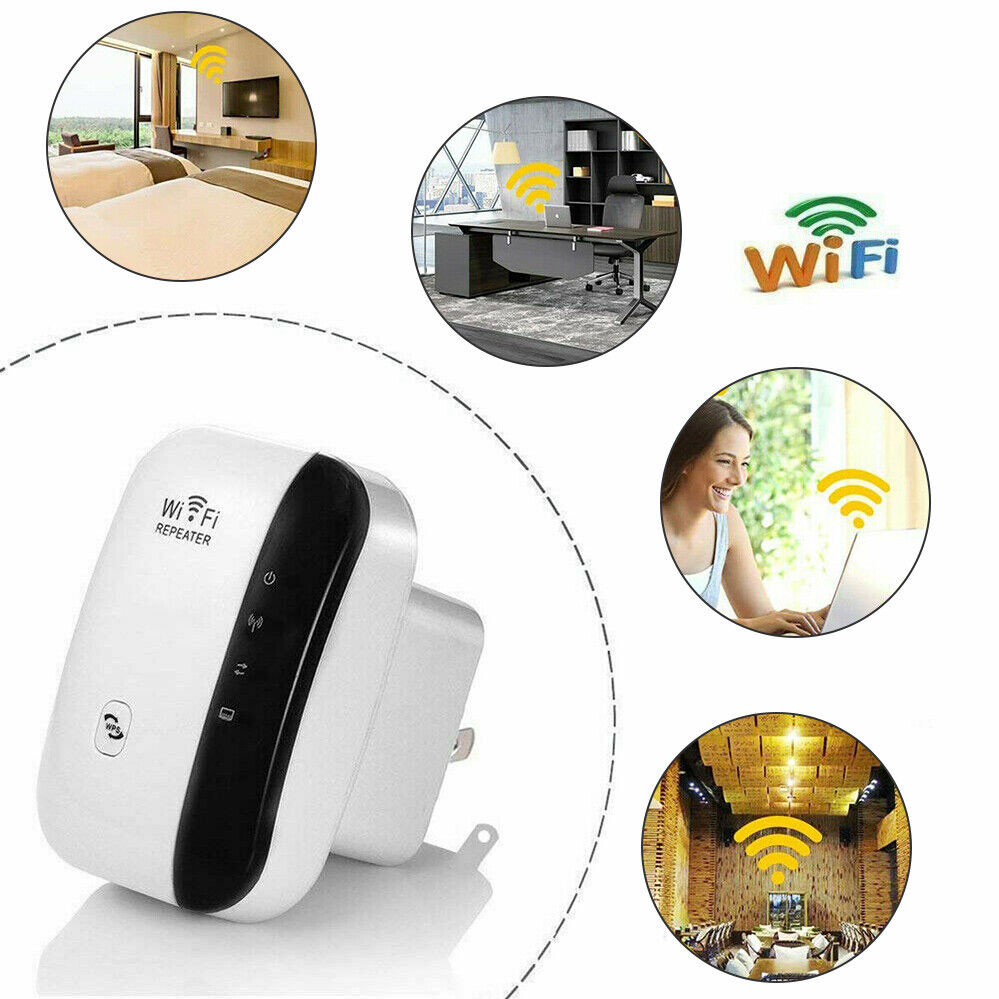
- Description
- Additional information
- Reviews (0)
- Connect to the Wi-Fi Extender
Description
Features:
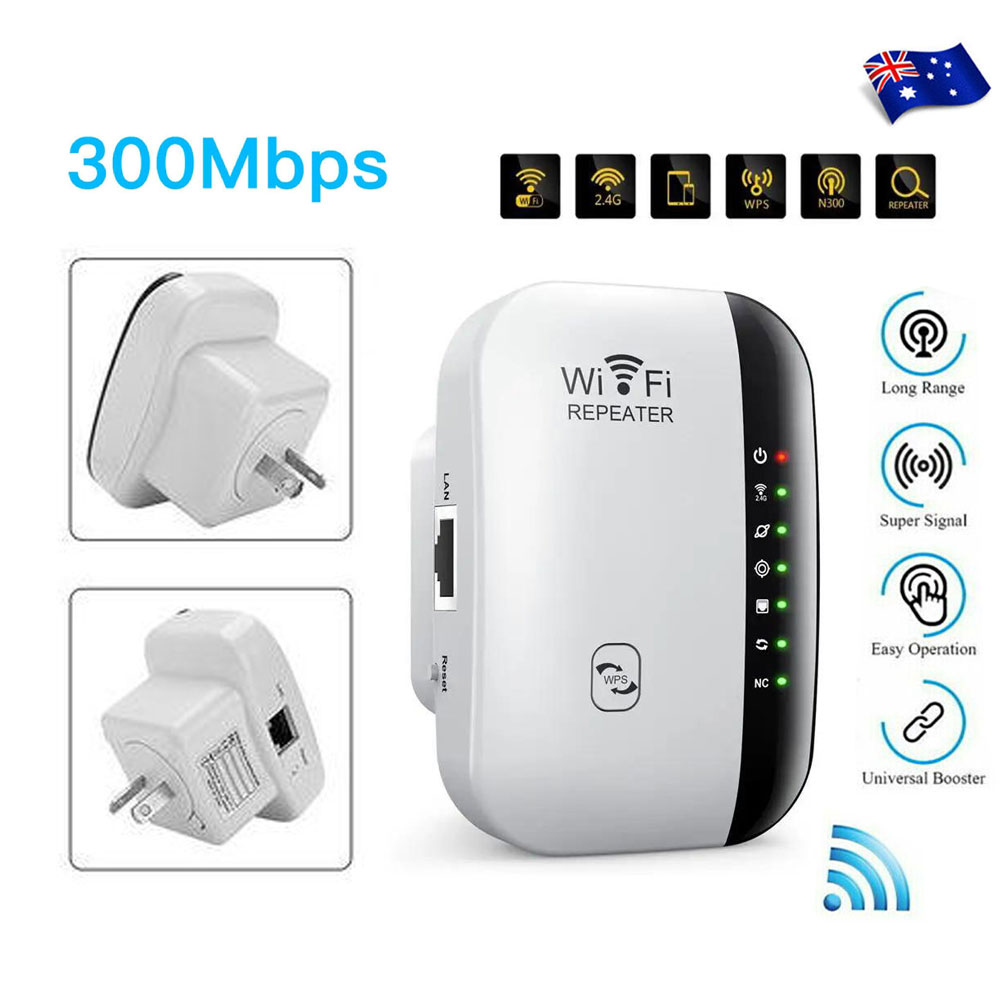
1. High-Speed Connectivity: Boosts wireless coverage across all WLAN networks with a powerful transmission rate of up to 300 Mbps.
2. Wide Compatibility: Supports WLAN 802.11n for fast wireless access, while being backward-compatible with 802.11g (54 Mbps) and 802.11b (11 Mbps).
3. Dual Antenna System: Features integrated 2T2R antennas for enhanced stability and range.
4. Strong Signal Security: Ensures maximum WLAN security with WPA2, WPA, and WEP (64/128-bit) encryption standards.
5. 2.4 GHz Support: Works seamlessly with 2.4 GHz WLAN networks, offering reliable speeds and coverage.
6. User-Friendly Setup: Includes a software wizard for quick and simple configuration.
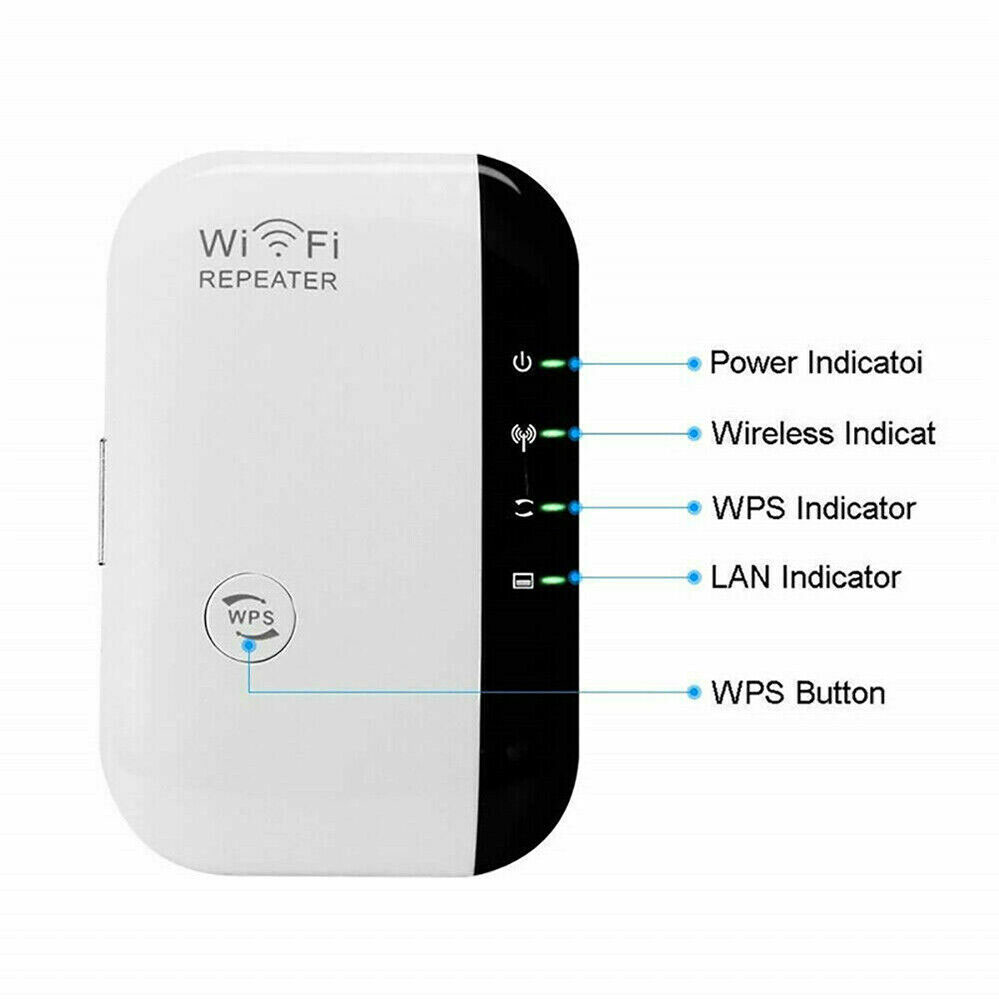
7. Compact & Portable Design: Lightweight and portable device with a one-touch WPS button for secure wireless encryption.
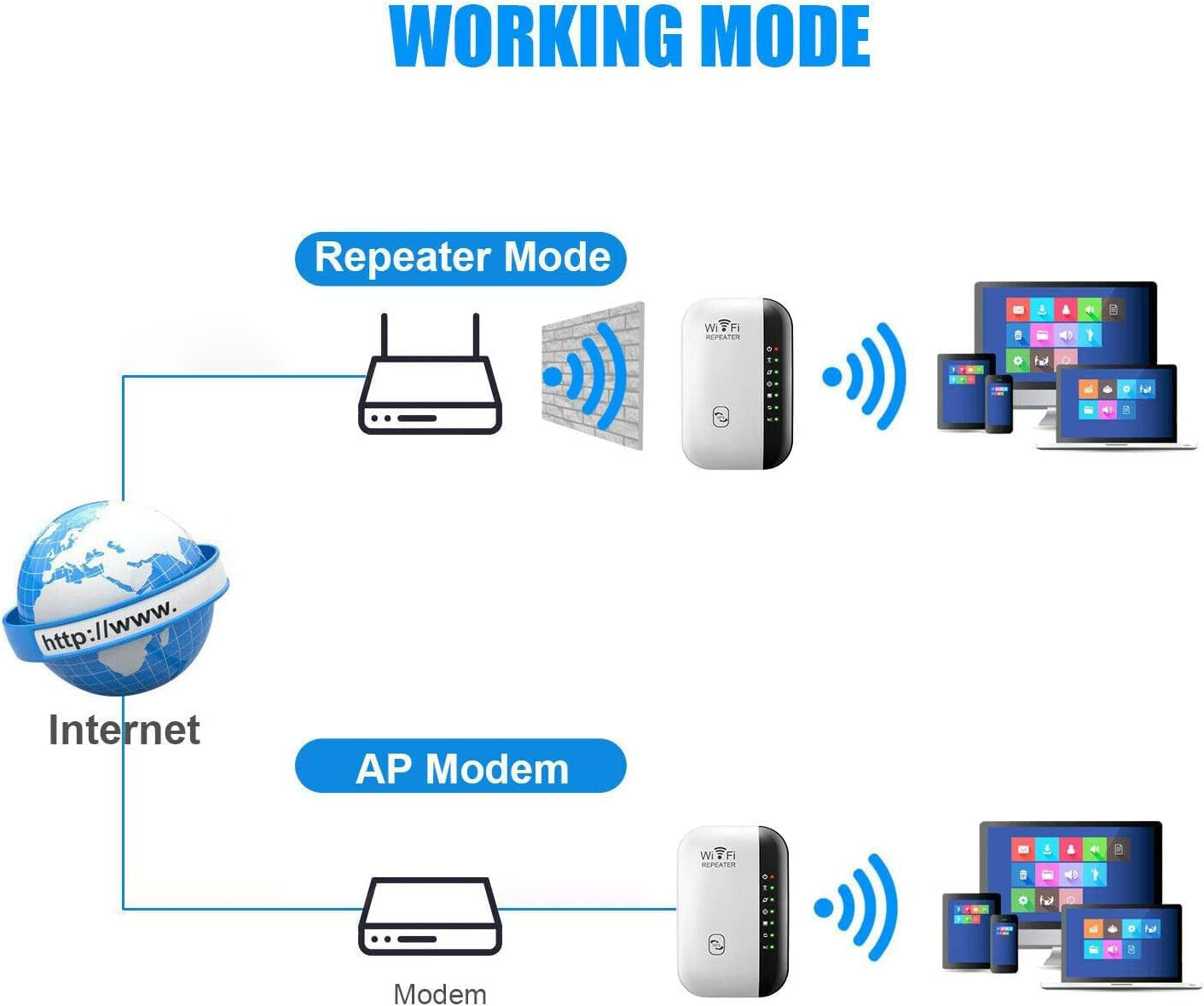
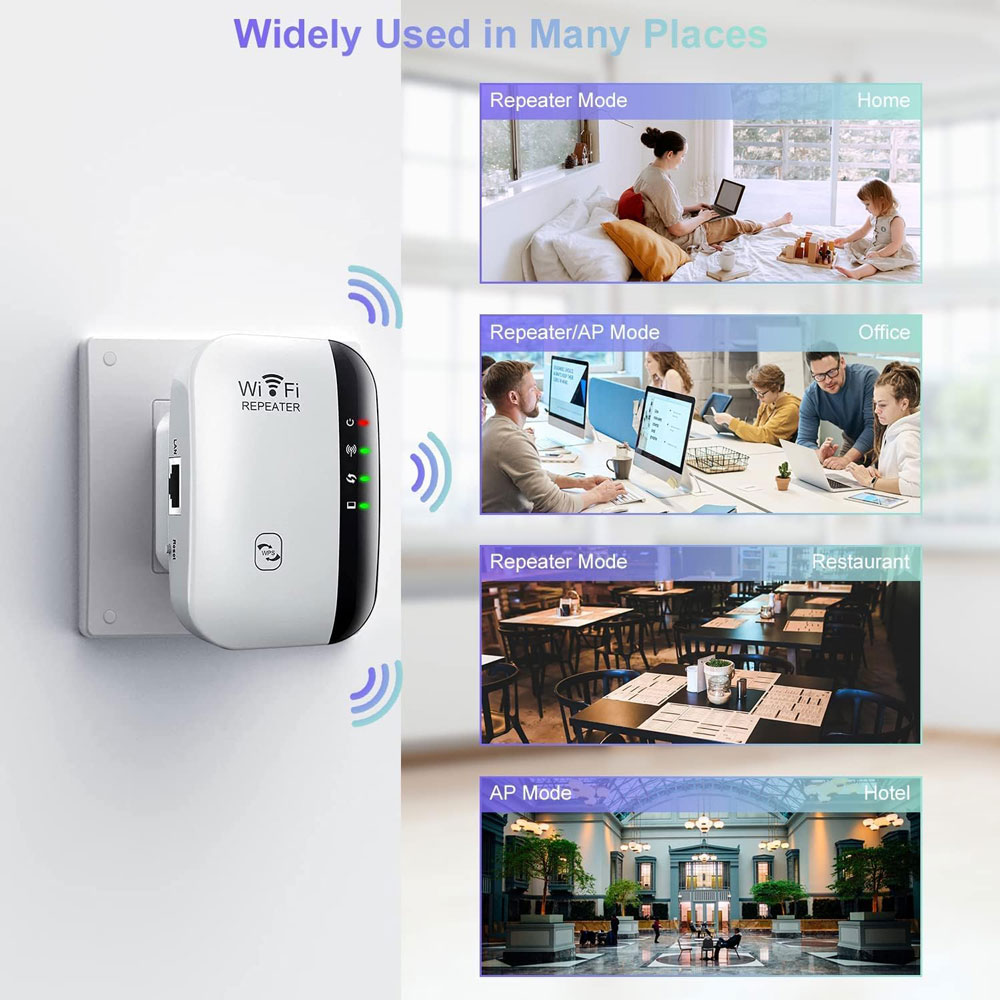
8. Versatile Modes: Supports both Wireless Repeater Mode and Standard Access Point (AP) Mode.
9. Wide Network Access: Extends Internet access to devices on the edge or outside of the existing network range.
10. Compliance with Standards: Fully compliant with IEEE 802.11n, IEEE 802.11g, and IEEE 802.11b standards.
This WiFi range extender is a practical, high-performing solution for enhancing your network coverage, offering both convenience and reliability in one compact package.
Additional information
| Home | Double Story, Single Story |
|---|
Be the first to review “300Mbps WiFi Repeater”
Here is a step-by-step guide to setting up your Wi-Fi extender based on the images you provided:
Step 1: Connect to the Wi-Fi Extender
- Turn on Wi-Fi on your mobile device and search for available networks.
- Connect to the Wi-Fi extender network, which will appear as something like “Extender_5B4655” (as seen in the first image).

Step 2: Check the Internet Connection Quality
- After connecting, your device will check the internet connection quality.
- You’ll see the Network Speed (e.g., 144 Mbps) and Security information.
- You can enable the “Auto reconnect” option for easier future connections.
Step 3: Choose a Mode for the Extender
- Open a web browser and go to the extender’s settings page (usually something like 192.168.11.1/home.html).
- Select Repeater Mode Settings to extend your home Wi-Fi network. This is the most common mode to use for expanding your Wi-Fi coverage.
- Tap Next to proceed.
Step 4: Select Wi-Fi Network to Amplify
- Once in the Repeater Mode settings, you will be asked to select the Wi-Fi signal that you want to amplify.
- Find your home Wi-Fi network (e.g., “OPTUS_A2A528N”) from the available list and select it.
- If your network doesn’t appear, you can use the Manual Setup option to add it manually.
Step 5: Enter the Wi-Fi Network Password
- After selecting your home network, you will be prompted to enter your Wi-Fi password.
- Make sure to choose the correct password for the selected network.
Step 6: Modify Extender’s Wi-Fi Name
- You will be given the option to modify the Wi-Fi name for the extender (e.g., “OPTUS_A2A528N-EXT”).
- This name will help you easily identify your extended network.
- Once you’re happy with the name, click Next to finalize the setup.
After these steps, your Wi-Fi extender should be set up and ready to extend the signal of your home Wi-Fi network.
Reviews
There are no reviews yet.